

The Remote Watch uses a CR2032 coin battery, which is inexpensive and widely available.
What you’ll need
A small precision/watch screwdriver (star type)
Remove the rear screws
There are four small screws on the back of the watch.
These are partially covered by the strap, so you may need to adjust the strap to access them.
Use a small precision star screwdriver to remove them.
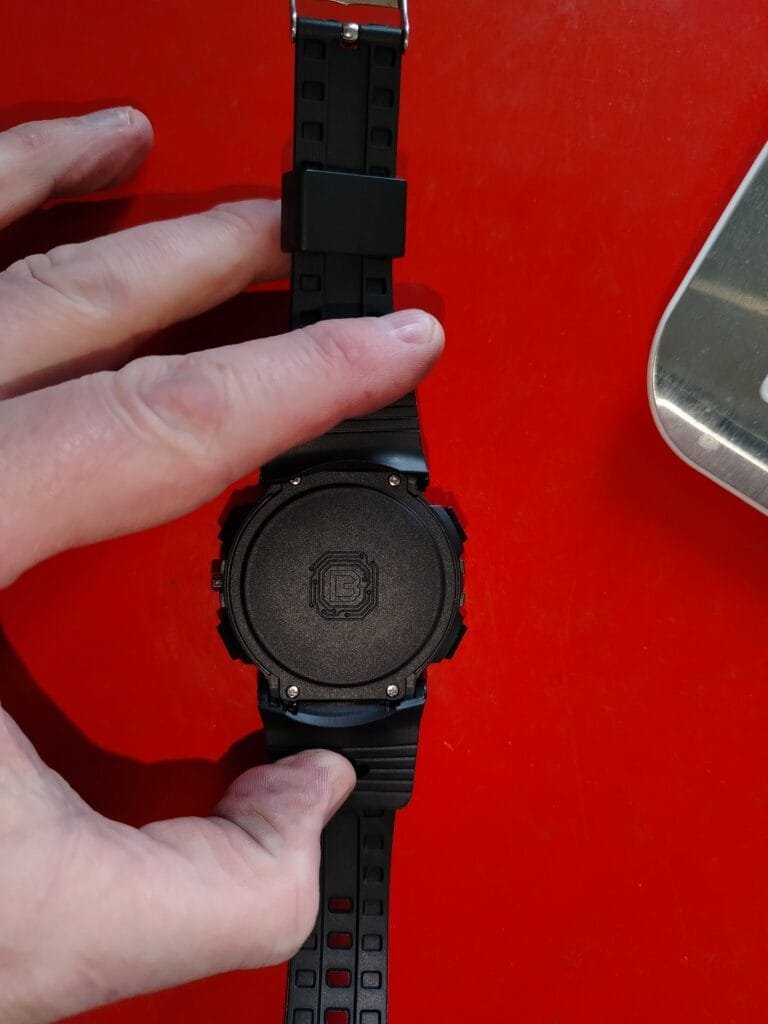
Remove the back cover
Once the screws are removed, gently lift off the rear cover.
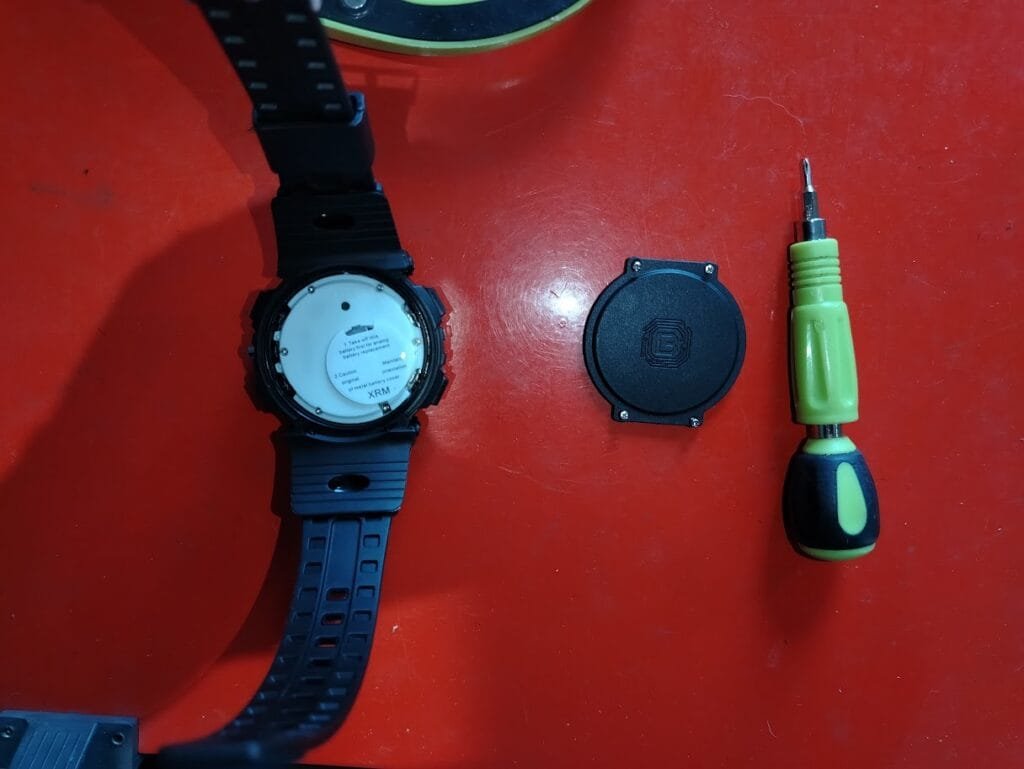
Access the battery
The battery is located under the white sticker.
Remove the battery retaining screw
There is a small screw at the bottom right holding the battery in place.
Unscrew this to release the battery.
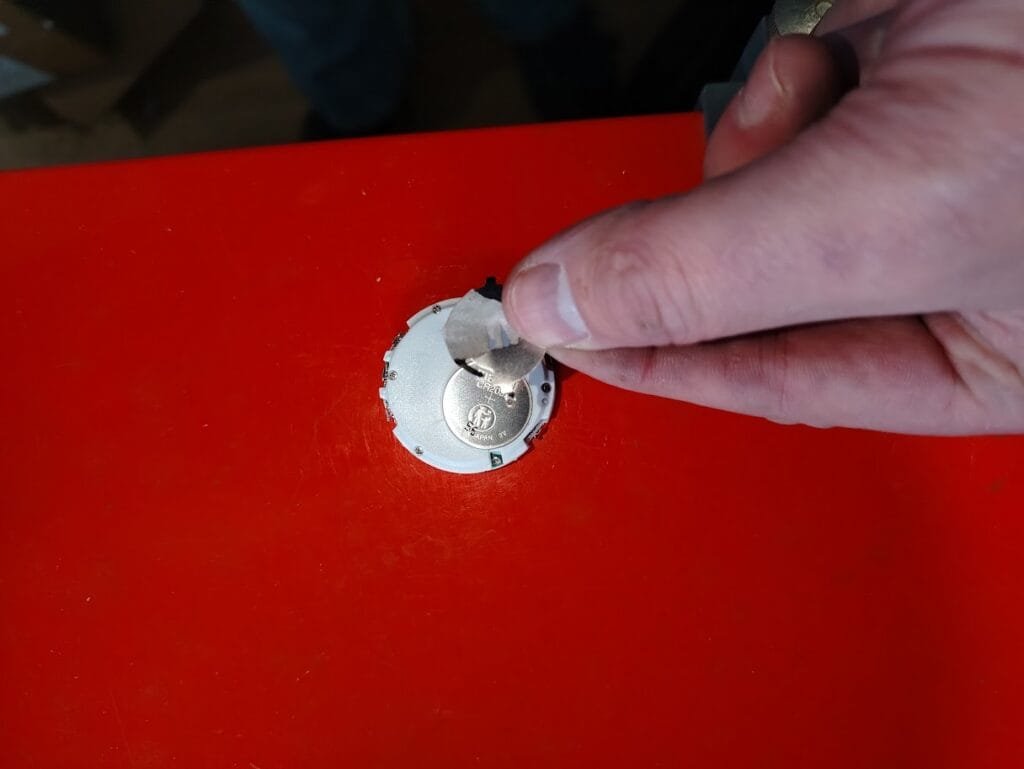
Replace the battery
Insert a new CR2032 coin battery (use a good quality brand).
Reassembly
- Refit and secure the battery retaining screw.
- Ensure the buttons are correctly aligned before replacing the rear cover.
- Reattach the rear cover and tighten the four screws.
Do not over-tighten.
Final step
You may need to set the time again after replacing the battery.
Follow the setup guide here:
https://nauti-control.com/2026/03/29/433mhz-watch-instructions/



Leave a Reply
You must be logged in to post a comment.