The Nauti-Control ST Wireless Box makes it easy to bring your boat’s legacy Seatalk data (such as depth, speed, and more) into modern apps by converting it into NMEA TCP/IP over built-in Wi-Fi. This means you can view your live depth and sonar data directly in Navionics on your phone or tablet.
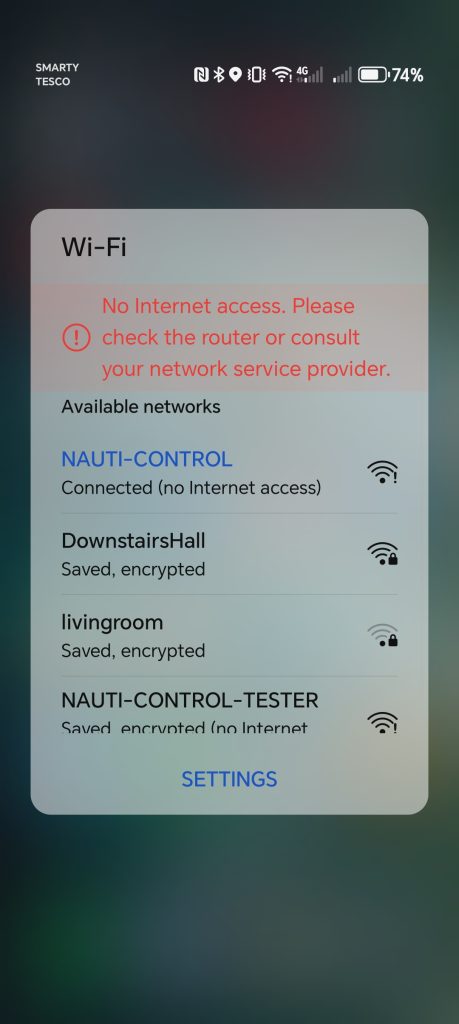
Step 1 – Connect your device to the Nauti-Control Wi-Fi network
Step 2 – Open the Navionics app
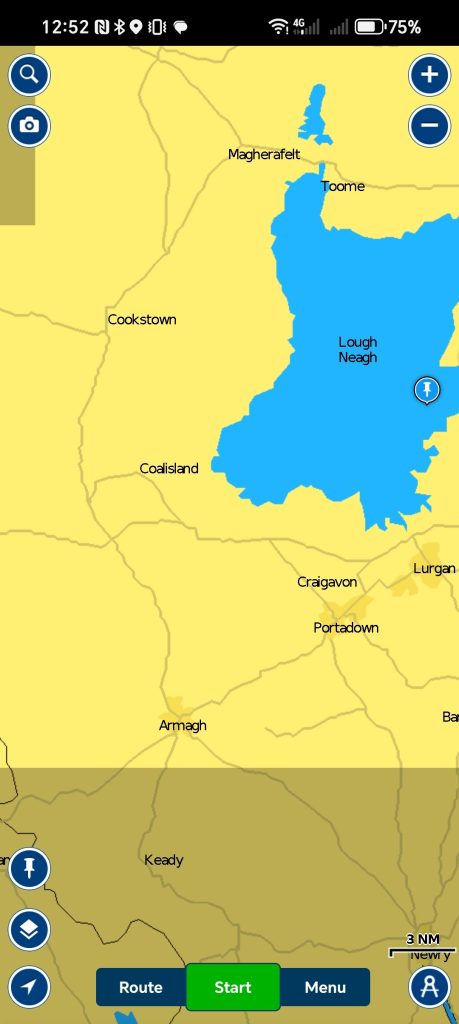
Step 3 – Tap the Menu
Step 4 – Select Paired Devices
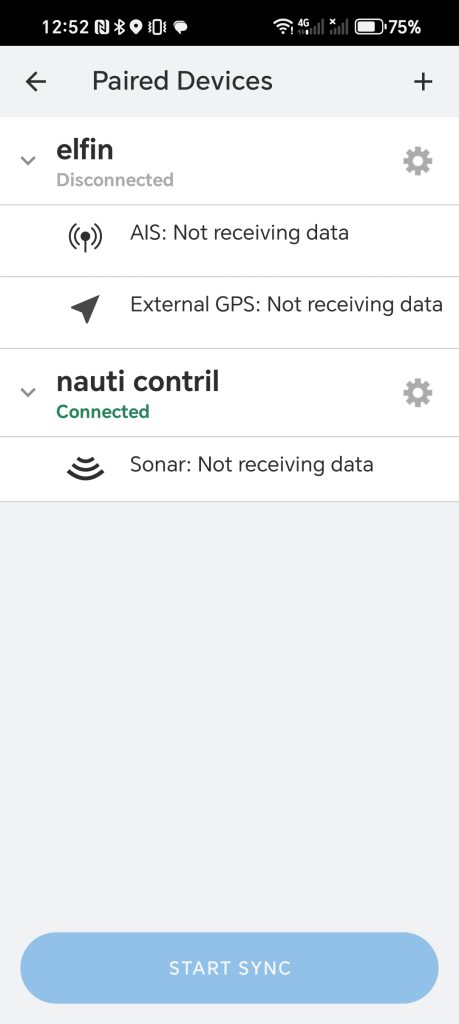
Step 5 – Tap Add
Step 6 – Choose Add Device
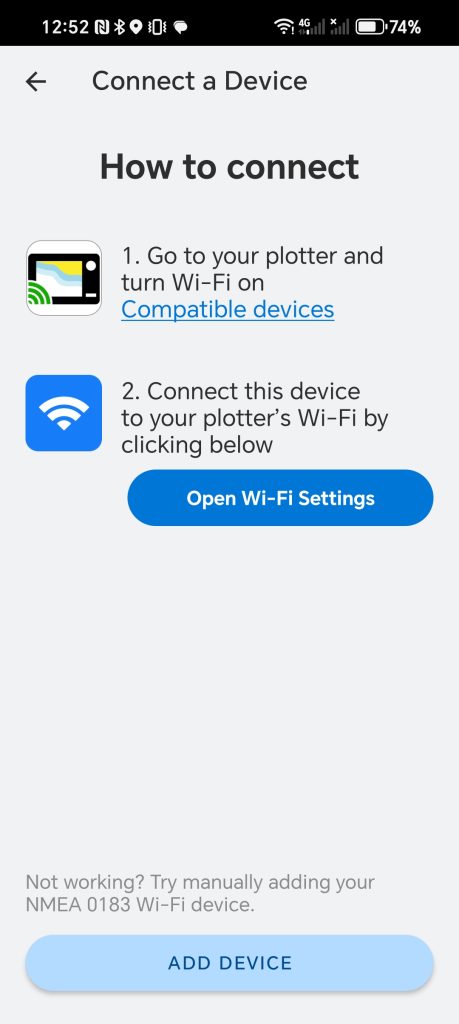
Step 7 – Enter the following details:
Name: (Any name you like – e.g., “Nauti-Control”)
Host: 192.168.1.1
Port: 8091
Protocol: TCP/IP
Step 8 – Tap Save
✅ Once saved, Navionics will automatically pull in the live data. If your Seatalk bus is sending depth information, you’ll now see depth/sonar displayed at the top of the Navionics screen.
This quick setup gives you real-time access to your boat’s critical navigation data right inside Navionics – no extra hardware, no fuss.

Leave a Reply
You must be logged in to post a comment.