Got a Garmin Reactor 40 autopilot? The Nauti-Control N2K Wireless controller lets you steer it from your phone, tablet or watch. Engage Auto, nudge the course 1° or 10°, hold a wind angle, tack, follow a route, and go back to Standby, without going back to the GHC at the helm.
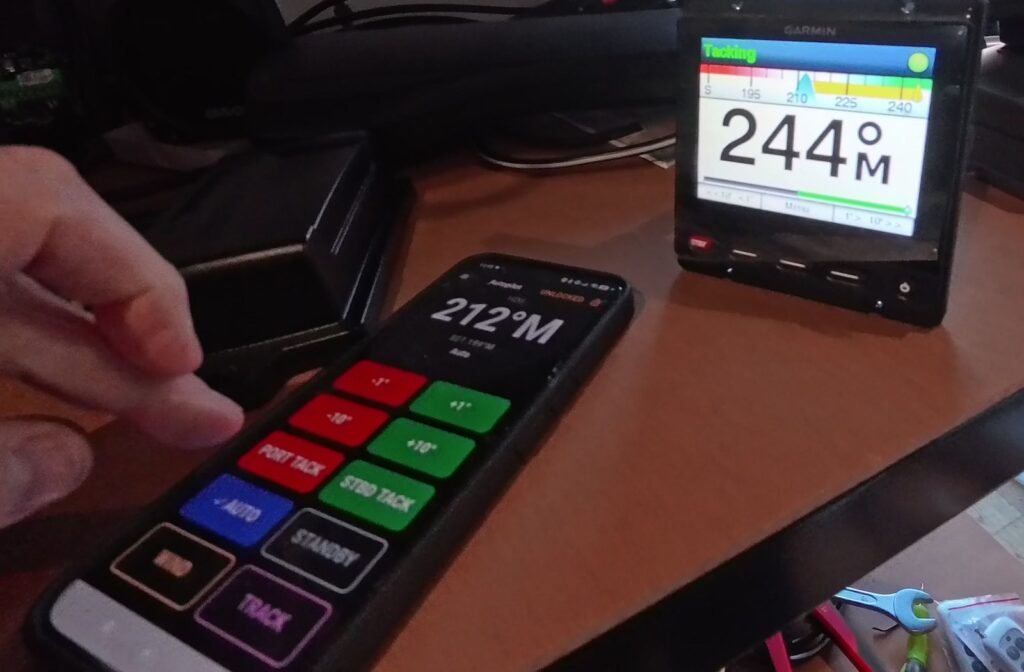
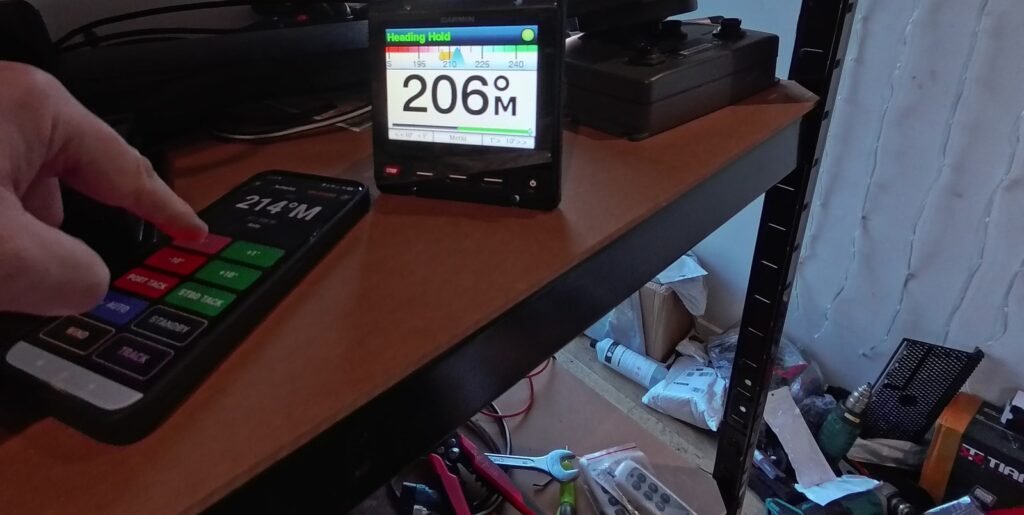
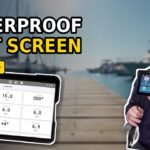
In the video, Phil puts it through its paces on our Garmin test bench: a GHC 20 display and a Reactor 40 CCU.

What You Can Do From the App
- AUTO: the Reactor goes into Heading Hold on the course you’re steering.
- +1° / −1° and +10° / −10° course changes.
- WIND: hold the current wind angle, and change it from the app.
- Tack to port or starboard, with a confirm step so a stray tap can’t throw the boat about.
- TRACK: follow a route you’re navigating in the app, leg by leg (route following is in beta).
- STANDBY to hand back to the helm.
The app shows what the Reactor is doing as well: its own mode (Standby, Heading Hold, Wind or Tacking) and the heading it’s set to steer, next to your actual heading.
Setting It Up
- Plug the N2K Wireless controller into your NMEA 2000 backbone, the same network as the Reactor.
- Open the Nauti-Control app, connect, and go to Device Settings.
- Set the autopilot type to Garmin Reactor. That’s it.
Keep the controller’s firmware and the app up to date: how to update.
Following a Route
Plan or import a route in the app and start following it. Engage AUTO, then TRACK, and the Reactor steers to each mark in turn. It stays in Track from one leg to the next with no question to answer. Route following is in beta: if anything doesn’t behave as you’d expect, email admin@nauti-control.com.
What We Tested
We tested on our bench with a Garmin GHC 20 and a Reactor 40 CCU. There’s no drive unit on the bench, so you’ll see some rudder error messages in the video. We’re also working on other Garmin pilots, and we’ll tell you when we’ve tested them.
Phone, Tablet or Watch
The same controls are in the Nauti-Control apps for Android and iPhone, and on your Garmin, Apple Watch or Wear OS watch. The Garmin watch app is a separate thing from the Reactor: it works with any autopilot the controller supports.
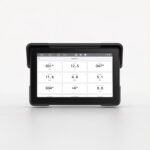
See the N2K Wireless controller
Questions? Leave a comment on the video or email admin@nauti-control.com.
Nauti-Control is independent and is not made by or connected with Garmin. It’s a supplementary aid, not a replacement for your helm display or a proper lookout.


Leave a Reply
You must be logged in to post a comment.